
Pain point
AI-era media work multiplies scripts, scenes, prompts, assets, revisions, plans, generated outputs, rights records, and decisions across disconnected applications. The work may be visible, but its lineage and consequence are not.
02 / Production operating system
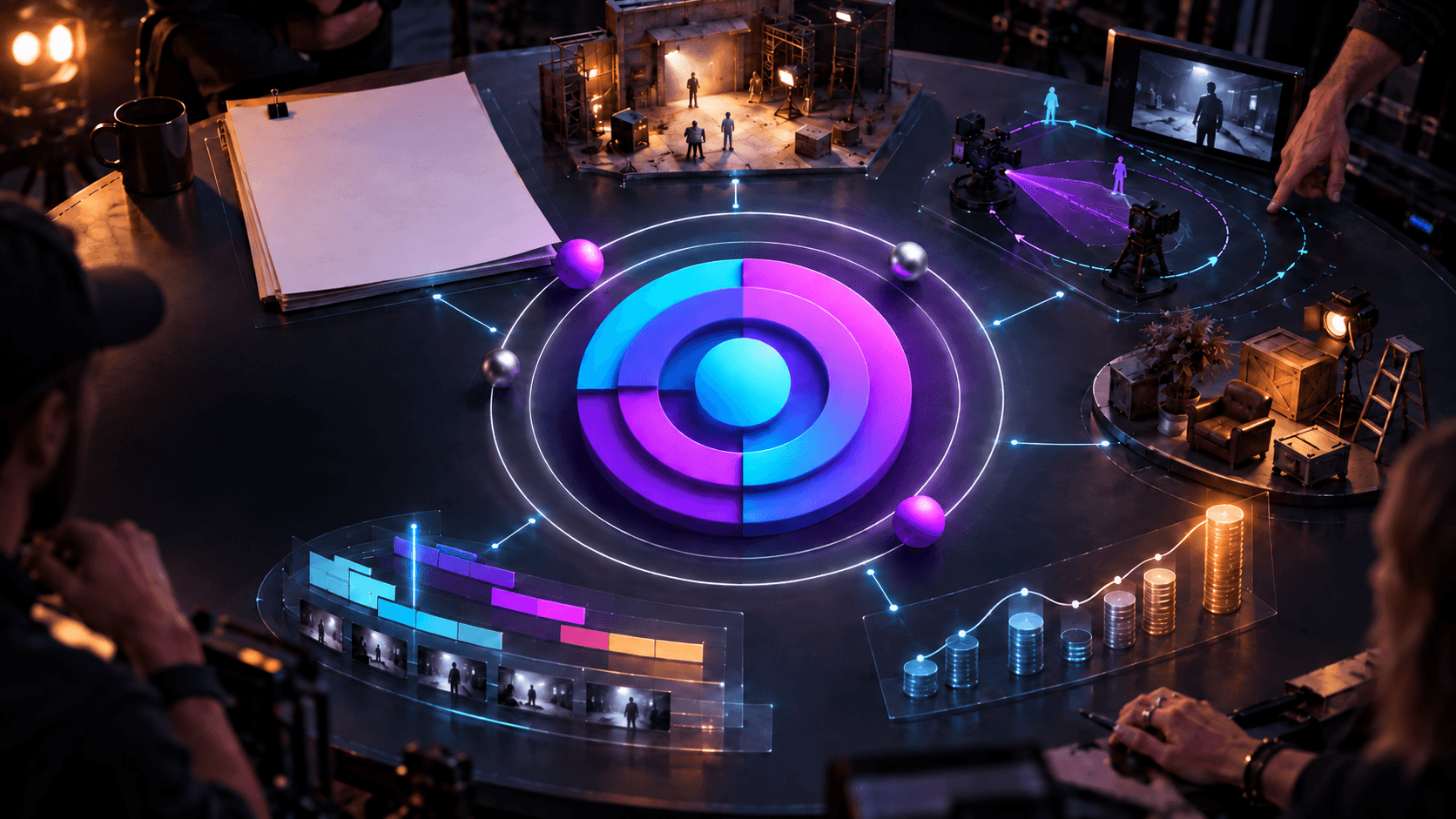
A living model of the production
The system / Nucleus
Every creative action can retain where it came from, what it touches, and what happened next.
Pain point
AI-era media work multiplies scripts, scenes, prompts, assets, revisions, plans, generated outputs, rights records, and decisions across disconnected applications. The work may be visible, but its lineage and consequence are not.
Solution
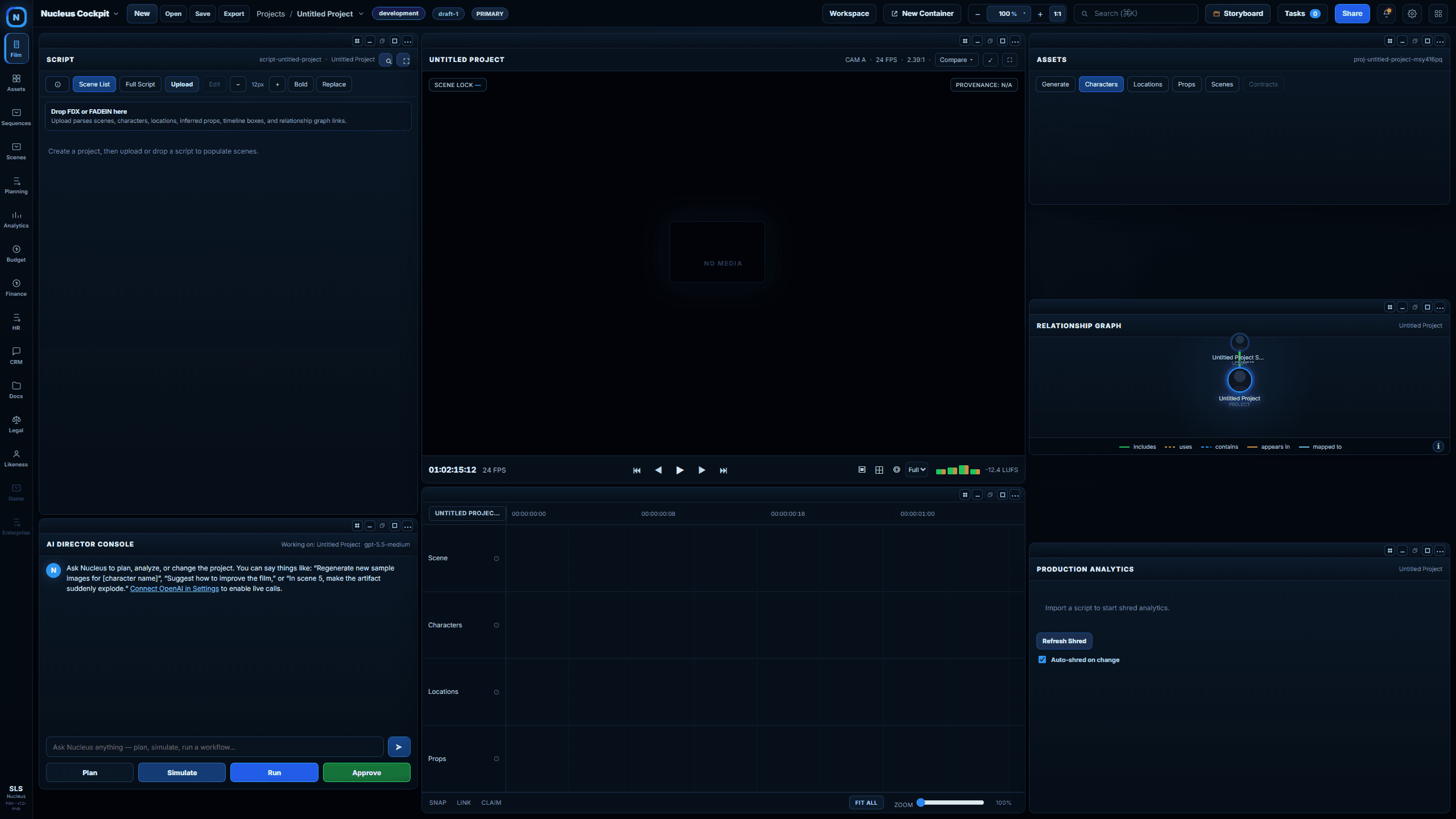
Nucleus connects the project inside a cinematic cockpit. Script, timeline, preview, characters, locations, props, assets, analytics, plans, simulations, approvals, runs, and results share one selection context and one production graph.
Six connected functions
Each function solves a distinct failure in the way consequential work is coordinated. Together, they form one operating environment.
01 / Connected cockpit
Pain point
The script lives in one tool, visual references in another, timeline notes somewhere else, and production relationships in someone’s memory. Selecting a scene rarely carries its context across the workspace.
Solution
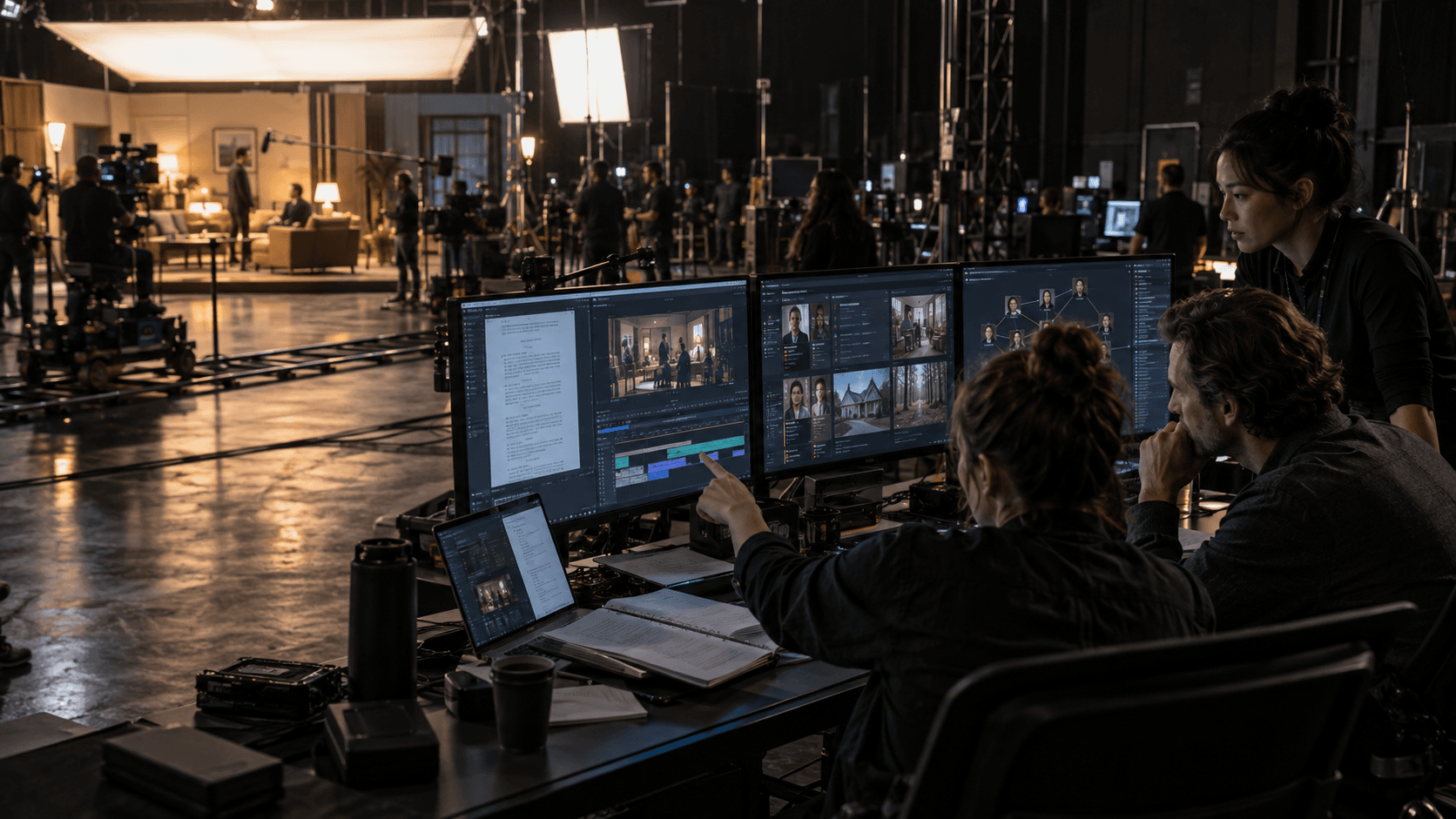
The Nucleus cockpit gives script, monitor, timeline, assets, relationship graph, analytics, and AI console a shared project and selection context. Selecting a scene is designed to move the entire cockpit to the production behind that scene.
The interface becomes one command surface for the work—not another collection of tabs.
02 / Sequence intelligence
Pain point
Traditional timelines show when media appears, but not the full network of scenes, characters, locations, props, approvals, and generated assets required to produce it.
Solution
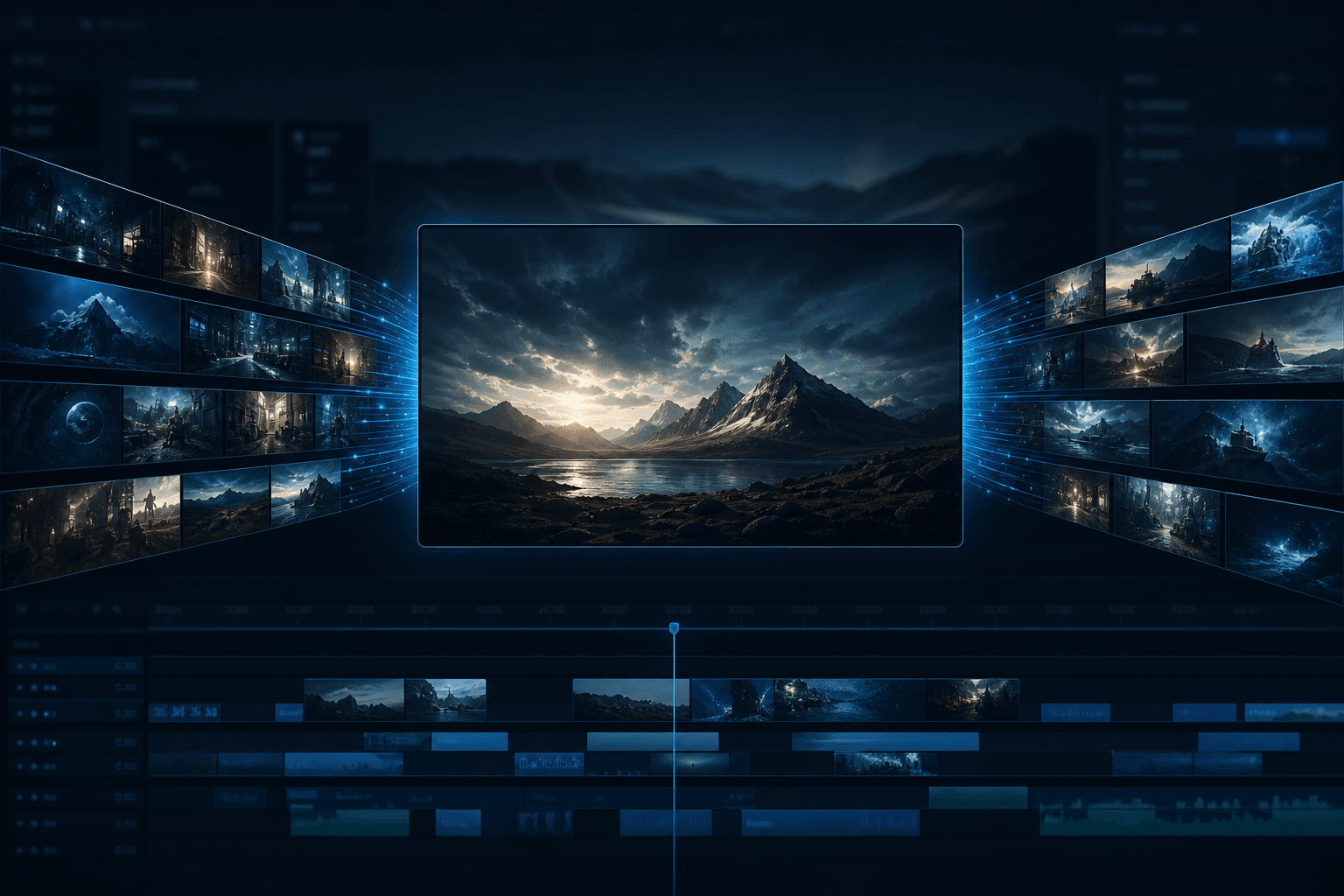
Nucleus treats timeline segments as graph-connected production objects. A sequence can remain visually cinematic while its components resolve back to the script, scene, people, places, assets, and production state that make it possible.
Editorial time and production context become two views of the same model.
03 / Living production graph
Pain point
A character, location, source asset, contract term, or AI result can affect many downstream objects. File storage can tell a team where something is saved; it cannot reliably say where it is used.
Solution
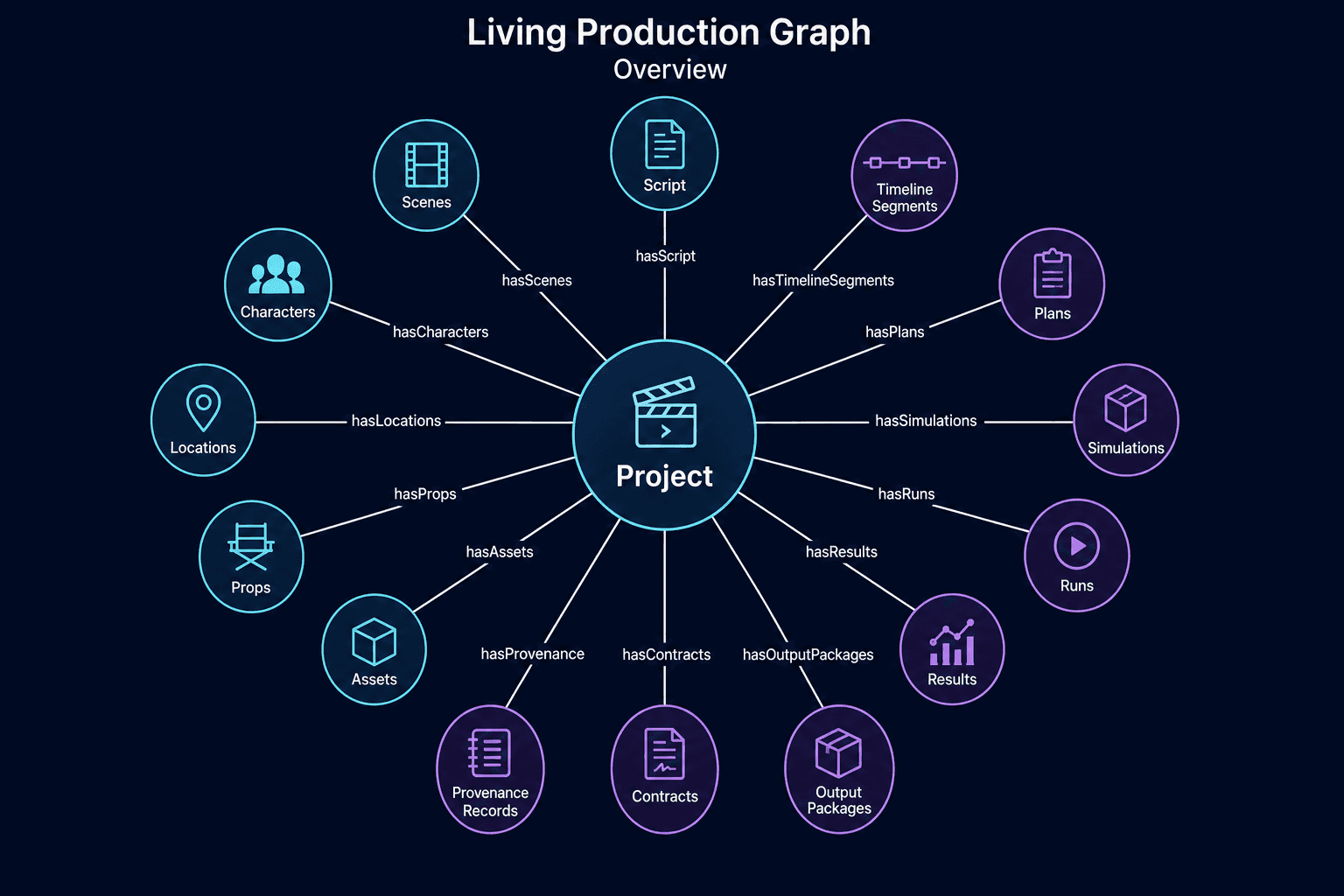
The Living Production Graph models explicit relationships among project, script, scenes, characters, locations, props, assets, timeline segments, plans, simulations, runs, results, contracts, provenance, and output packages.
Where-used, impact preview, lineage, and synchronized navigation become native behaviors.
04 / Governed AI loop
Pain point
A chat response can suggest a consequential change without preserving the plan, simulated effect, approval, execution, verification, or result. The output is fast but operationally anonymous.
Solution
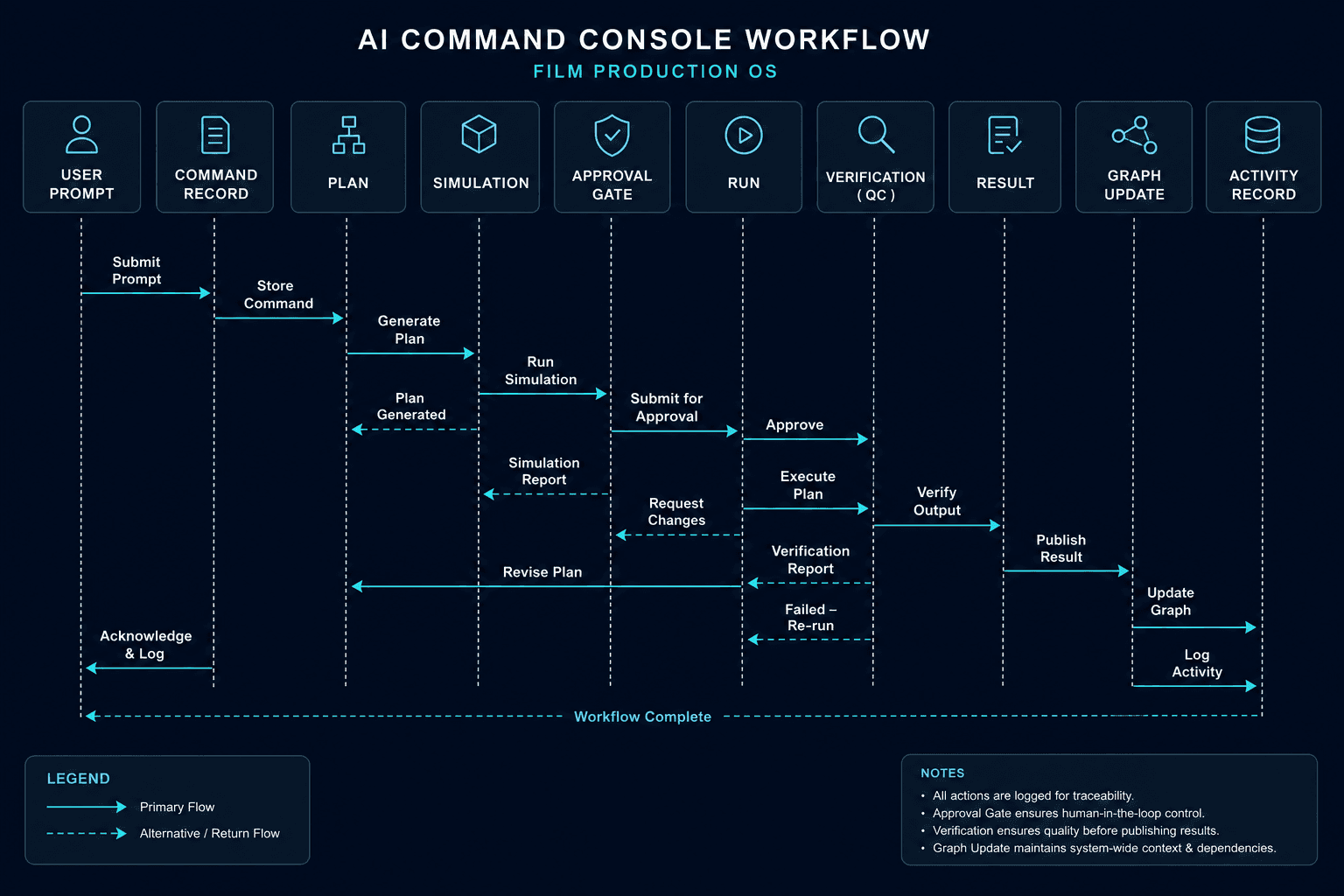
Nucleus is designed around a governed loop: command, plan, simulate, approve, run, verify, store the result, update the graph, and log the activity. The AI proposes structured work; it does not silently mutate the project.
Automation gains a visible path, a human gate, and a durable record.
05 / Elastic workspace
Pain point
Dense creative operations compete for one viewport. A writer, editor, producer, or supervisor must constantly collapse the very context they need to compare.
Solution
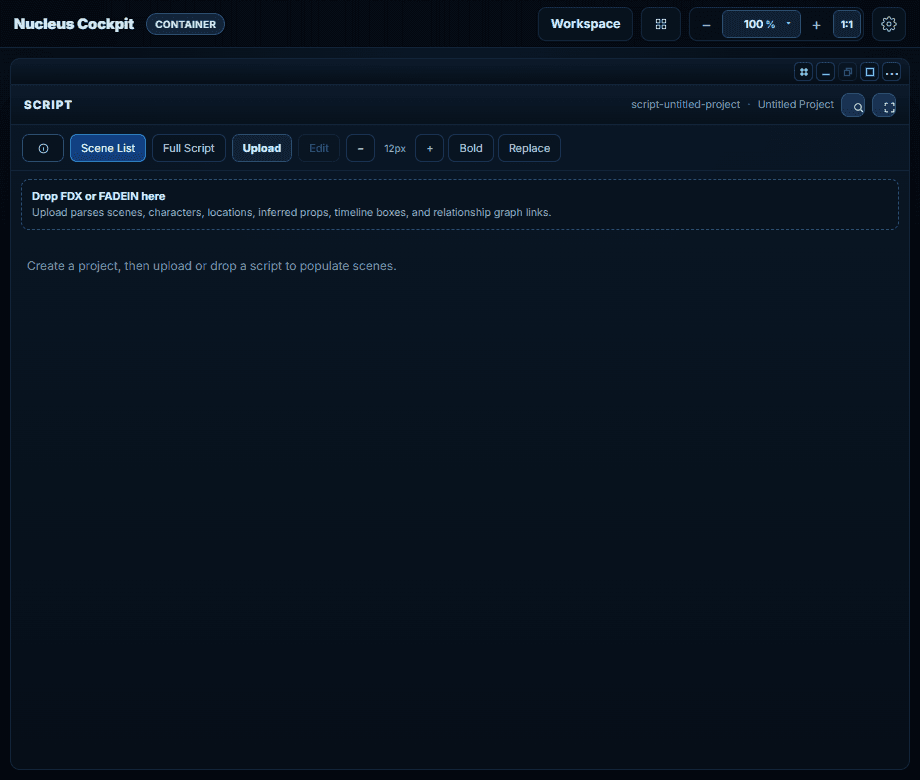
Nucleus can move a workspace into a populated satellite container while preserving its project identity and display geometry. Zoom presets and container-aware layouts let the cockpit adapt from a laptop to a multi-display operating environment.
More screen area becomes more usable context—not more disconnected windows.
06 / Version impact
Pain point
Creative iteration demands versions, but teams often compare files rather than the production objects and rules each version will affect.
Solution
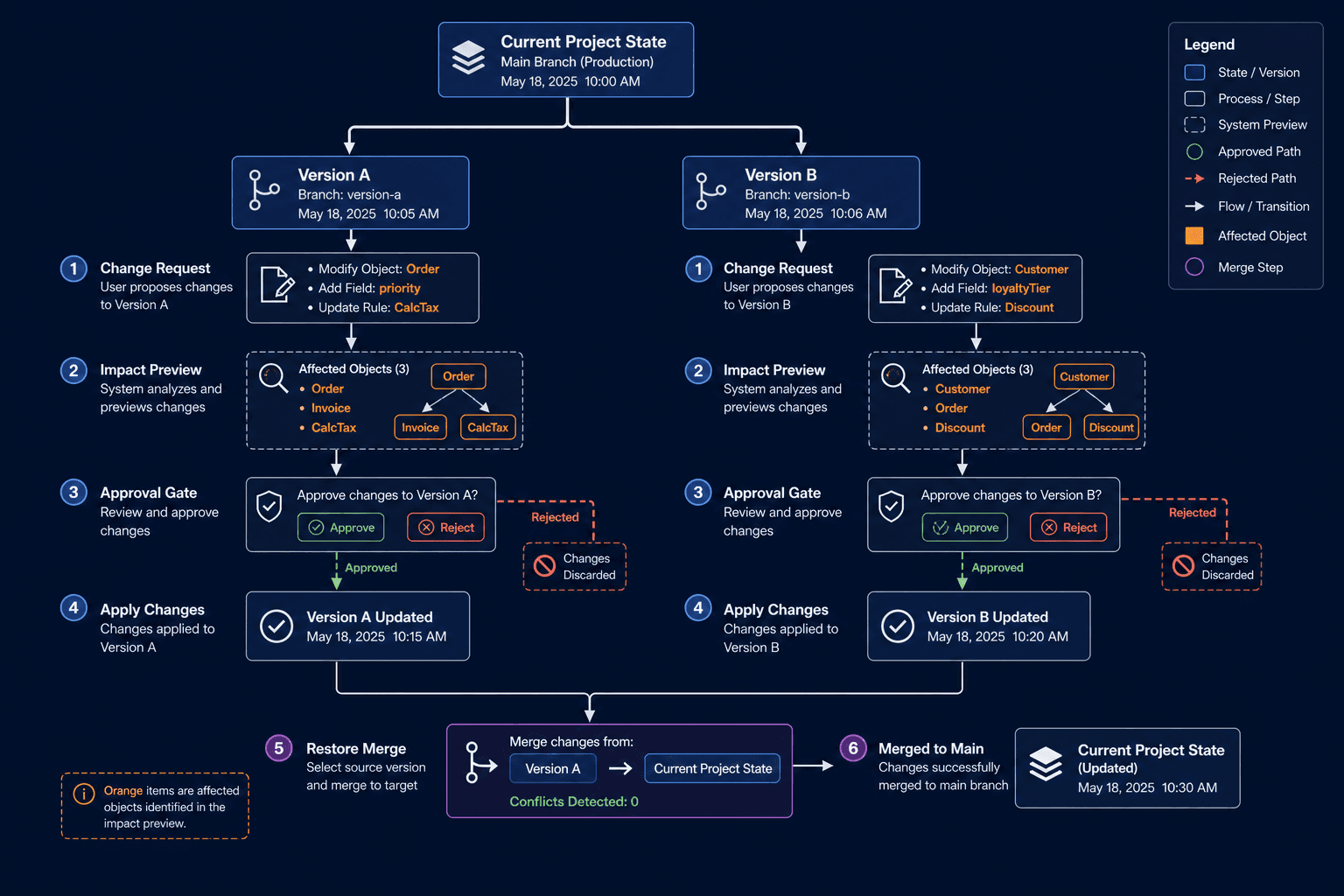
The Nucleus architecture treats change as a branch with an impact preview and approval gate before it rejoins the current project state. The model is designed to expose affected objects, preserve rejected paths, and retain a traceable merge.
Versioning becomes operational foresight, not simply file history.
Product boundary
Nucleus is an active MVP cockpit with data-driven panels, script import, selection synchronization, persistent projects, zoom, and multi-window workspace foundations. Several governed AI-loop, provenance, analytics, and external-integration capabilities shown below are product architecture or prototype scope, not production-complete services.
See it working
Launch the demo ↗Next system
Node Runner →